Understanding Computer Vision Syndrome
Computers have become an essential part of modern life. Whether working in an office, studying online, or running a business, many people spend several hours every day looking at screens. While technology improves productivity, excessive screen exposure can affect eye health.
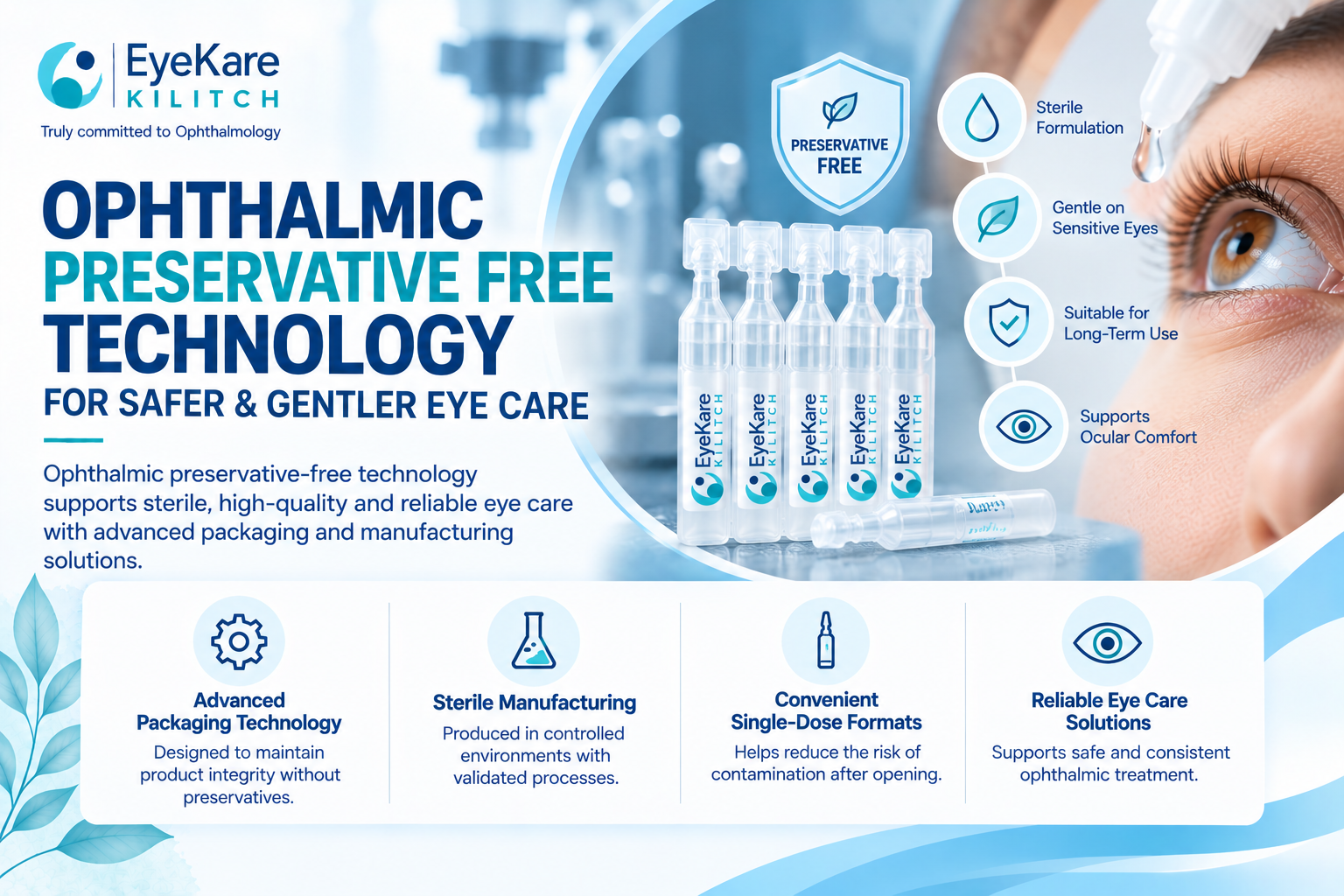
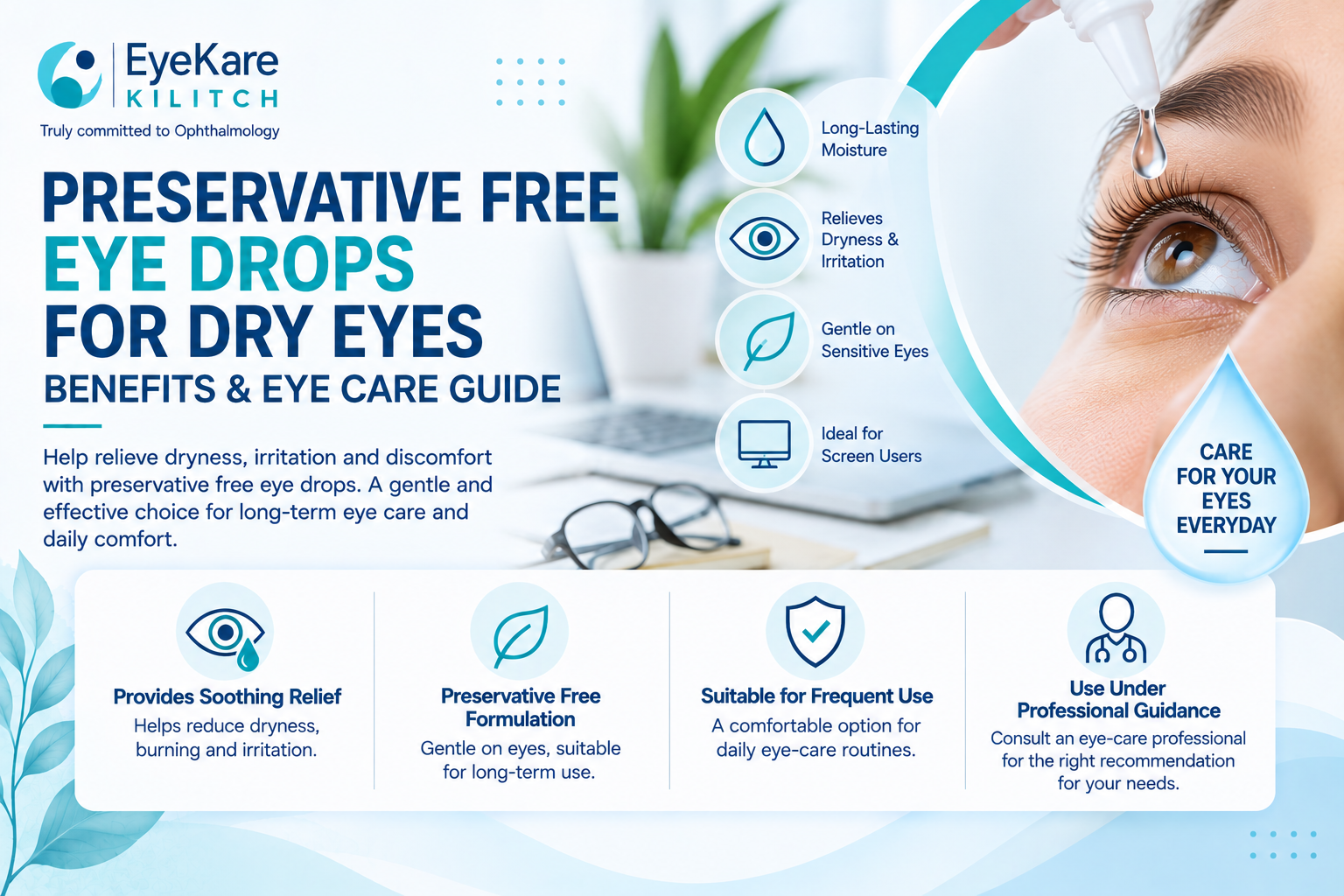
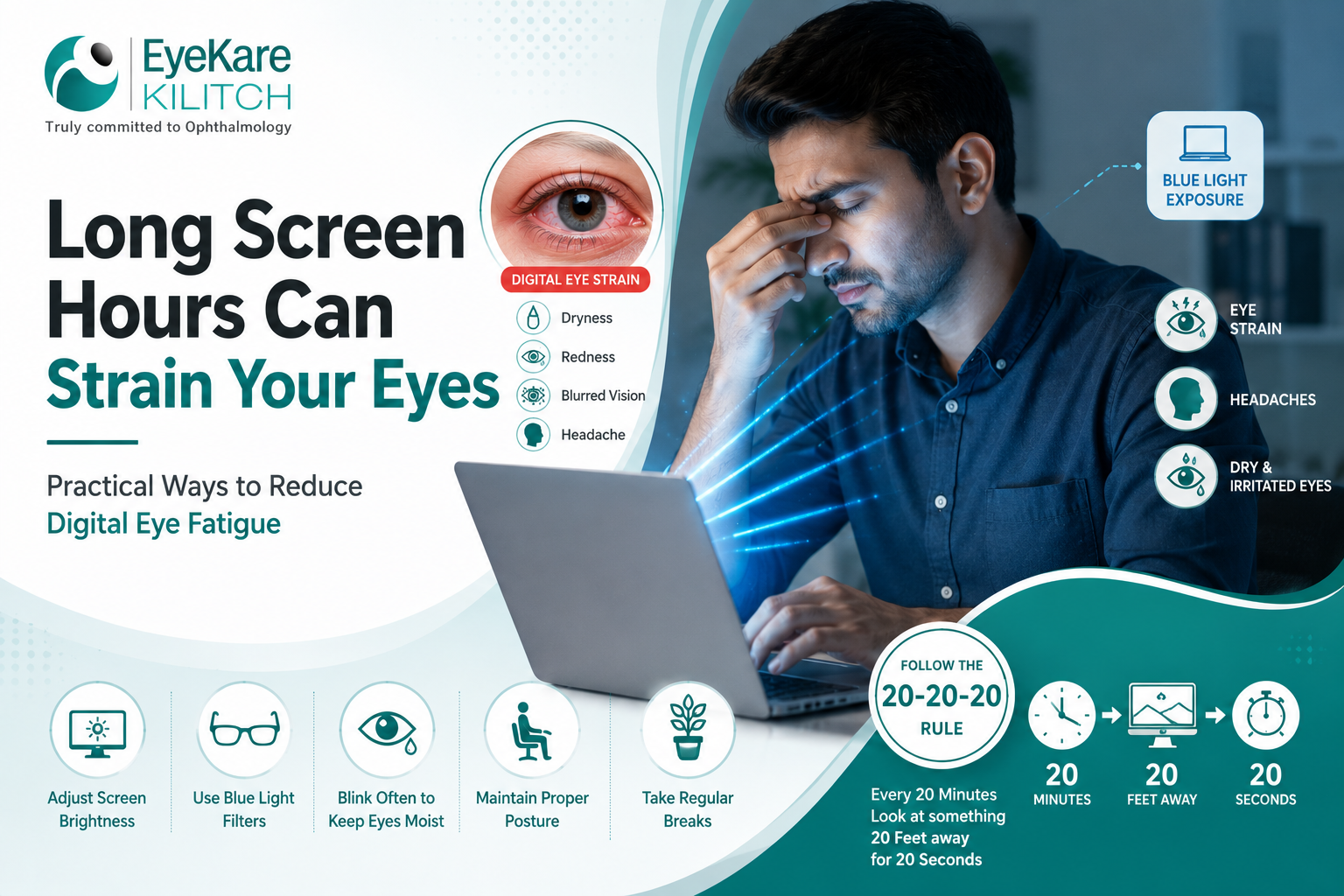
Many professionals experience eye strain, dryness, headaches, and blurred vision after working on computers for long periods. This condition is commonly known as Computer Vision Syndrome or Digital Eye Strain. Eye care specialists often recommend using Preservative free eye drops to maintain eye moisture and reduce discomfort caused by extended screen use.
Healthcare awareness programs conducted by EyeKare Kilitch India emphasize the importance of proper screen habits and preventive eye care to protect long-term vision.
Common Symptoms of Digital Eye Strain
Continuous computer use can place stress on the eyes. Symptoms may become more noticeable during busy workdays or prolonged screen sessions.
Signs That Your Eyes Are Affected by Screen Time
Common symptoms include
- Dryness and irritation
- Blurred vision
- Eye fatigue
- Headaches
- Difficulty focusing
- Sensitivity to light
Many people blink less frequently while using digital devices, which contributes to dryness. Using Preservative free eye drops for dry eyes can help restore moisture and improve comfort.
Why Computer Screens Cause Eye Discomfort
Several factors contribute to eye strain during computer use
- Reduced blinking rate
- Blue light exposure
- Improper screen distance
- Poor workplace lighting
- Long working hours without breaks
Understanding these causes can help individuals take preventive measures.
Importance of Lubricating Eye Drops for Office Workers
Office environments often include air conditioning, artificial lighting, and long screen exposure, all of which may increase eye dryness.
Using Lubricating eye drops helps maintain healthy tear production and protect the eye surface.
Benefits of Using Lubricating Eye Drops
- Maintain eye hydration
- Reduce dryness and irritation
- Improve visual comfort
- Protect the tear film
- Support eye recovery during work hours
Adding EyeKare Kilitch eye drops to your daily work routine can help reduce screen-related discomfort and maintain eye comfort throughout the day.
Eye care professionals associated with EyeKare Kilitch recommend regular breaks and proper hydration to support healthy vision.
Managing Allergies in Indoor Work Environments
Indoor office spaces can expose employees to dust, dry air, and allergens that may trigger eye irritation.
Doctors often recommend Anti allergy eye drops to manage allergic symptoms and improve eye comfort.
Role of Olopatadine in Allergy Relief
A commonly prescribed treatment is Olopatadine hydrochloride ophthalmic solution, which helps reduce inflammation and allergic reactions.
Benefits include
- Relief from itching and redness
- Reduced swelling
- Improved workplace comfort
- Better focus during work
Proper allergy management helps maintain productivity and eye comfort throughout the day.
Monitoring Eye Pressure and Long-Term Eye Health
People who spend long hours in front of screens should not ignore regular eye examinations. Routine checkups help identify vision changes and monitor overall eye health.
Importance of Latanoprost in Eye Pressure Management
Doctors may prescribe Latanoprost eye drops for individuals who need treatment to manage eye pressure and protect the optic nerve.
Regular monitoring helps maintain healthy vision and detect potential problems early.
Supporting Eye Health Through Nutrition
Healthy nutrition is essential for protecting eyes from digital strain and maintaining visual performance. Vitamins and minerals support eye tissues and help reduce fatigue.
Many healthcare professionals recommend taking the Best eye supplement to support long-term eye health and maintain clear vision.
Nutrients That Support Digital Eye Health
Important nutrients include
- Vitamin A
- Vitamin C
- Vitamin E
- Zinc
- Omega-3 fatty acids
These nutrients help protect the eyes from environmental stress and support healthy vision.
Practical Tips to Reduce Computer-Related Eye Strain
Simple workplace habits can significantly improve eye comfort and reduce the effects of long screen hours.
Daily Eye Care Tips for Computer Users
- Follow the 20-20-20 rule
- Adjust screen brightness properly
- Maintain proper viewing distance
- Blink frequently while working
- Stay hydrated throughout the day
- Schedule regular eye checkups
Using Preservative free eye drops for dry eyes regularly can help maintain moisture and reduce discomfort during extended computer use.
Conclusion
Computers are an important part of modern life, but prolonged screen use can affect eye comfort and visual performance. Symptoms such as dryness, irritation, headaches, and eye fatigue are becoming increasingly common among professionals and students.
Effective solutions such as Lubricating eye drops, Preservative free eye drops, and Anti allergy eye drops help manage common screen-related eye problems. In certain cases, medications like Latanoprost eye drops and treatments using Olopatadine hydrochloride ophthalmic solution may be recommended by healthcare professionals.
By following healthy screen habits, maintaining balanced nutrition, and using reliable eye care solutions, individuals can protect their vision and support long-term eye health.